/eh/2025-01-08/173633966714069467/picture.png)

/eh/2024-12-24/173503345348979036/Favorite-Icon.png)
/eh/2025-07-08/1751962110204480194/picture.png)
/eh/2025-06-21/1750485478958537574/countryInfoIcon.png)
/eh/2025-06-21/1750485741321434291/Hi-Sign-in-My-Nihao.png)
/eh/2025-06-21/1750485837193896318/cart.png)
/eh/2025-06-21/1750485968202533847/cart.png)
/eh/2025-04-17/1744862476612819675/hot-img.png)
/eh/2025-11-07/1762504524550532584/header-icon.jpg)
/eh/2025-07-07/1751875582852206790/header-icon.png)
/eh/2025-07-07/1751875587886277738/header-icon.png)

Best in 7 days


Shopping security
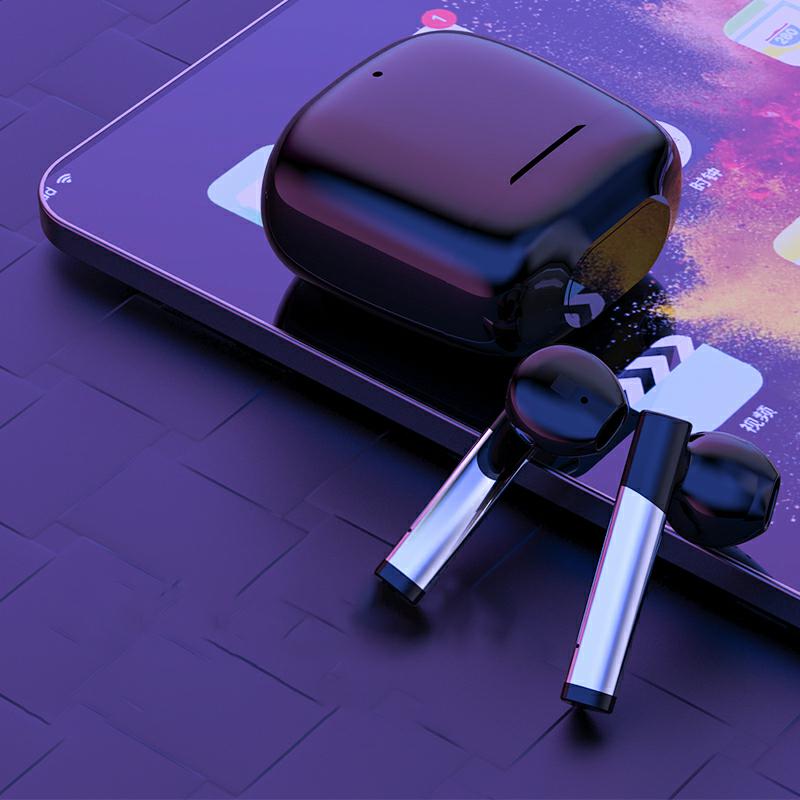
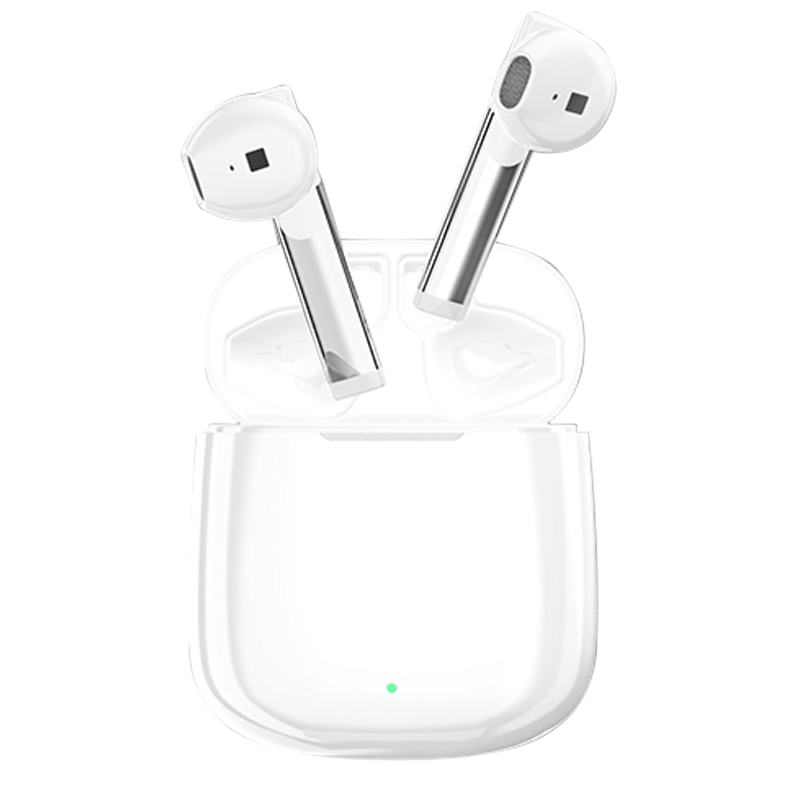
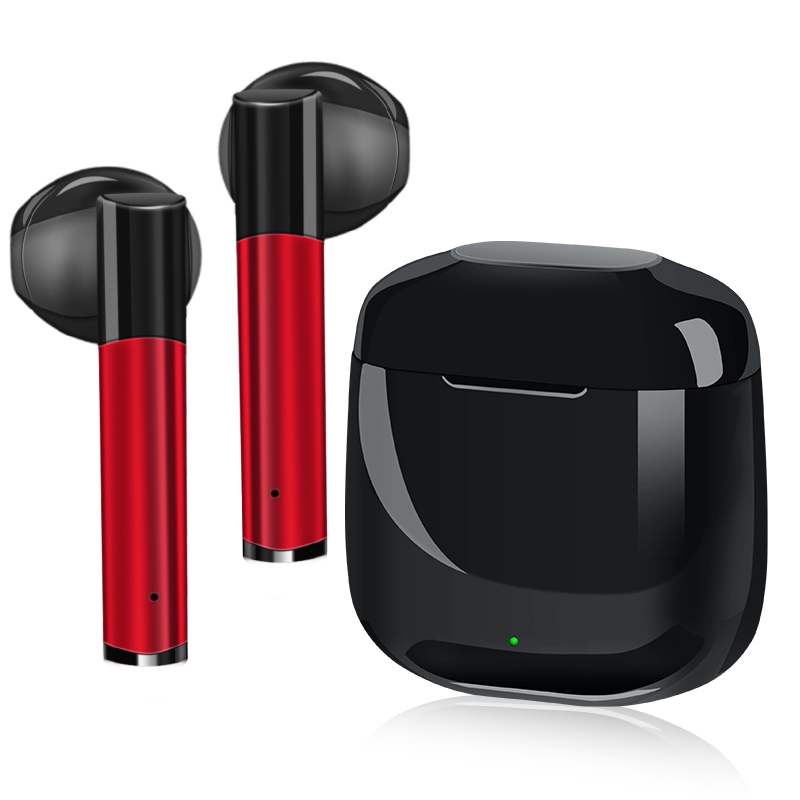
Discover the HKM-611091 TWS Bluetooth Headset, designed for those who value both style and functionality. With a sleek and modern design, these wireless earbuds offer superior sound quality and a comfortable fit for an immersive listening experience. Available in three sophisticated colors—Pearl White, Cool Black, and China Red—you can choose the one that good reflects your personal style.
Featuring Bluetooth 5.0 technology, the HKM-611091 provides a reliable connection with a range of up to 10 meters, allowing you to enjoy your favorite music or take calls without being tethered to your device. Whether you prefer to use them as a single ear or in a dual ear stereo setup, these headphones cater to your listening preferences.
The HKM-611091 is not just about great sound; it's equipped with a call function, making it perfect for hands-free conversations. The intuitive design allows for effortless pairing—simply take the earphones out of the charging box, and they will automatically power on and enter pairing mode.
Ideal for various occasions, including weddings, birthdays, holidays, and corporate events, the HKM-611091 TWS Bluetooth Headset is an excellent gift choice. Its versatility makes it suitable for everyone, from tech enthusiasts to casual users.
Elevate your audio experience today with the HKM-611091 TWS Bluetooth Headset, where elegance meets performance.
Transmission range 10 meters
Function Call function
Bluetooth protocol 5.0
Channel stereo
How to use earplug
Whether single or double ear, bilateral stereo
Suitable for gift-giving occasions, weddings, birthdays, holidays, housewarming, trade fairs, advertising promotions, employee benefits, anniversary celebrations, business gifts, opening ceremonies, awards commemorations, public relations planning
Color Pearl White, Cool Black, China Red
1. Boot/TWS pairing
① Take out a pair of earphones from the charging box, the earphones will automatically turn on, and
Automatically enter the TWS pairing state, the left and right earphones have red and blue lights at the same time
Blinking means TWS pairing is successful.
②If the TWS pairing is unsuccessful, when the headset is off, long press--
The multi-function key of the headset is about 5 seconds to the headset pairing state (red and blue flashing alternately
Flashing), double-click the left and right ear multifunction keys respectively, the red and blue lights of the left and right ear
When flashes, it means TWS pairing is successful.
Tip: The headset that is turned on first is the main headset, and only the microphone of the host works when making a call
TWS pairing is successful: red and blue lights flash alternately at the same time


Ships within 48 hours · Estimated delivery Jun 27 - Jul 2
US$40
Get nowSign up to your membership to get coupons up to
15%
Get nowOpportunity to enjoy order discount up to 15% off
Top-Converting Item to Boost Your Average Order


